
Get paid faster online with Pixieset Payments
Let clients pay for your services online, from their phone or computer. Accept credit cards, digital wallets, buy-now-pay-later options, and more.
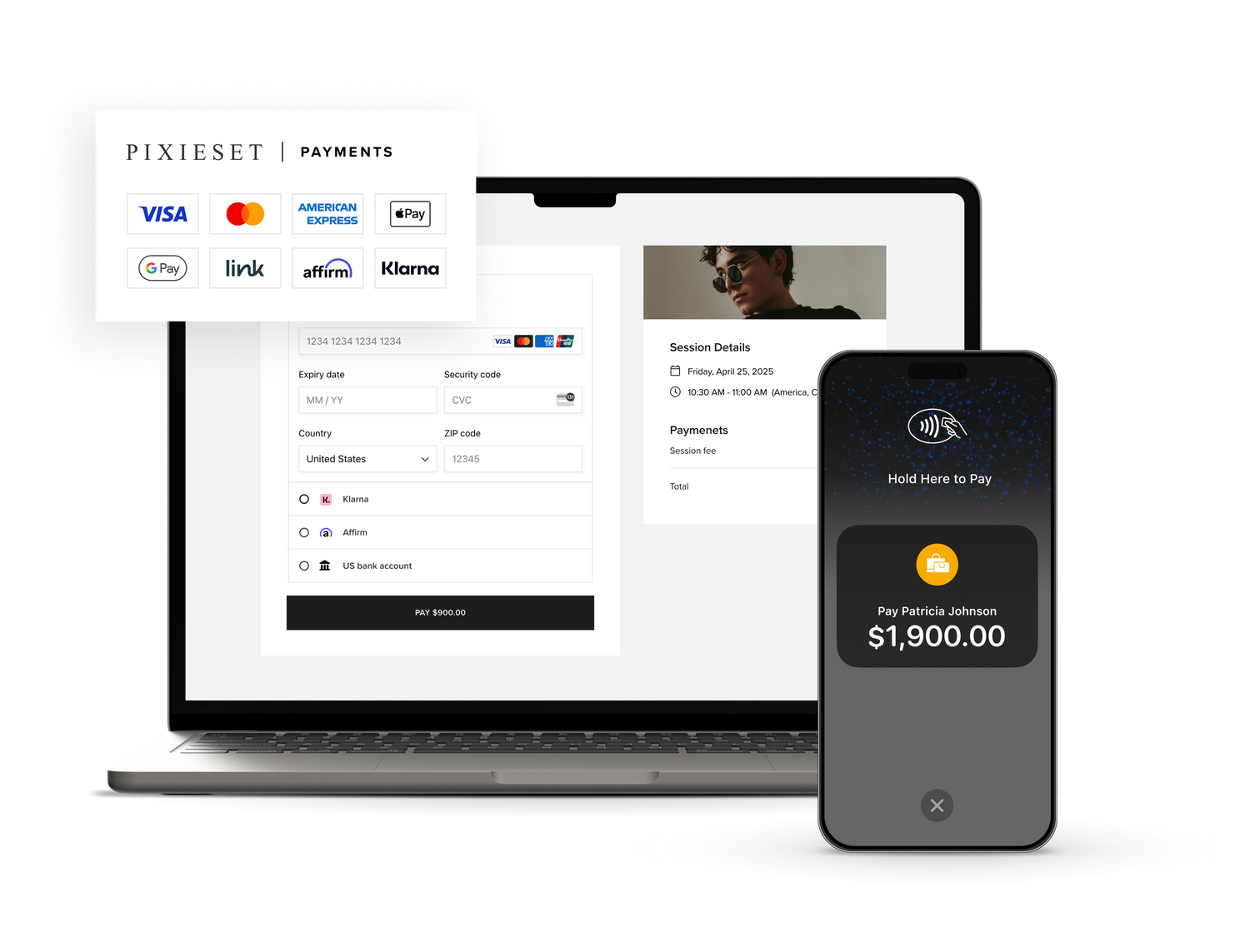
Getting paid has never been easier
Collect payments in-person, send digital invoices, and run your photography business from anywhere.

Accept popular payment methods
From credit cards to Apple Pay, Google Pay, Link, Affirm, Klarna, and more. Offer clients their preferred payment methods, and enhance their checkout experience.
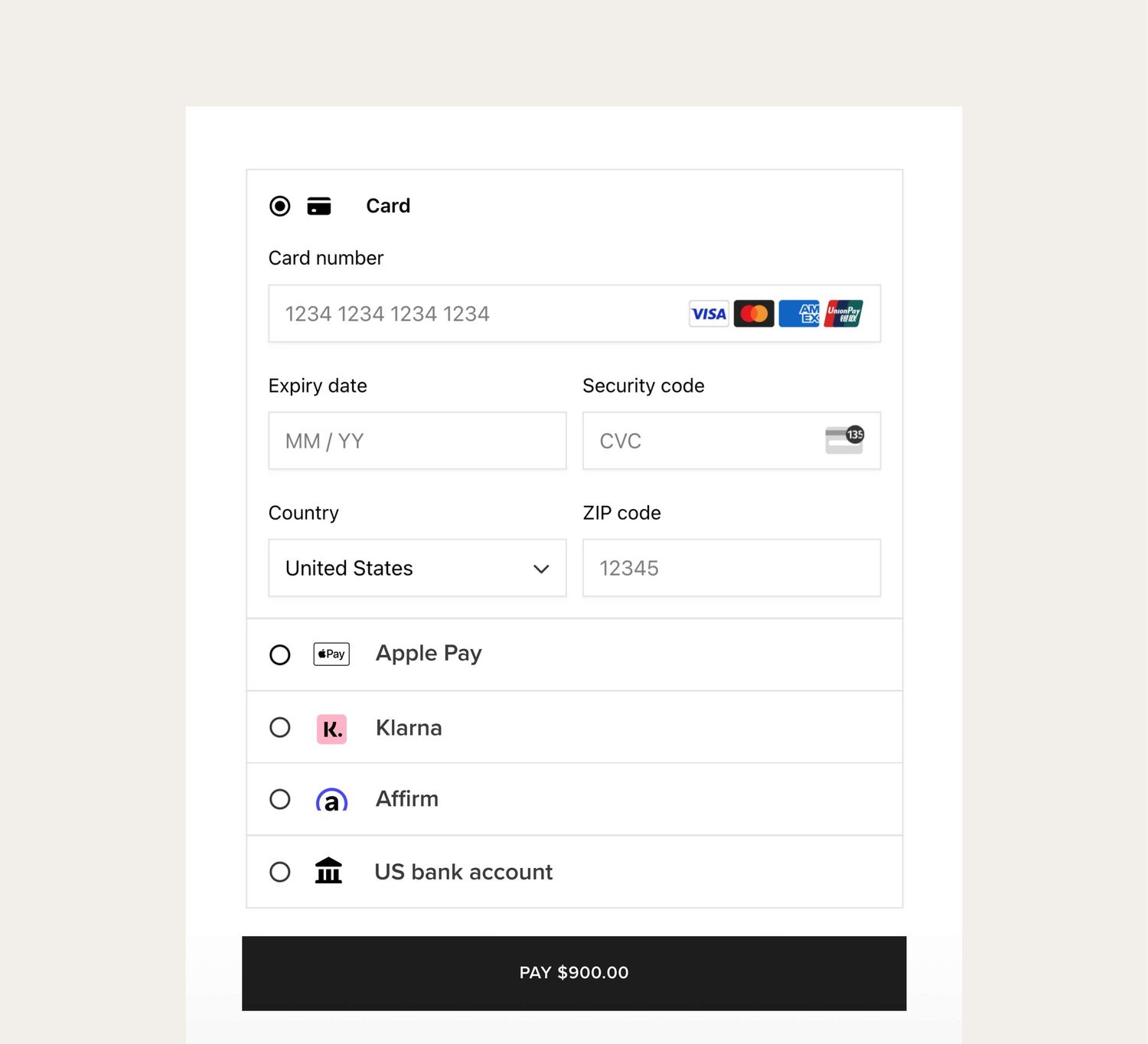
Get paid faster
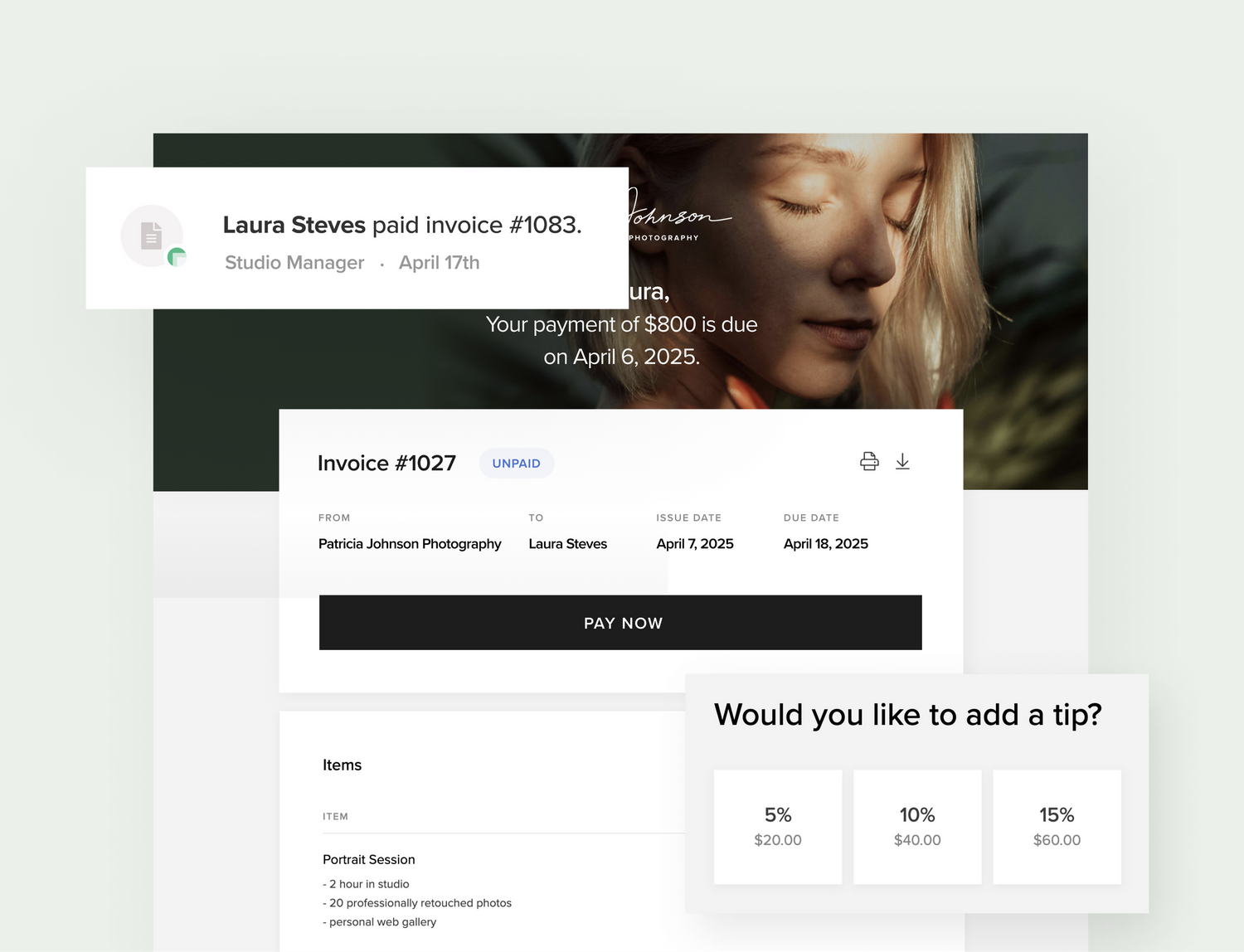
Whether you're sending an invoice or accepting payments through your booking site, everything is seamlessly integrated to help you save time, get paid, and even collect tips.
“I love having everything at my finger tips. I like being able to get immediate notifications of bookings and payments, I love being able to see everything with ease.”
Shelby Rae Photography
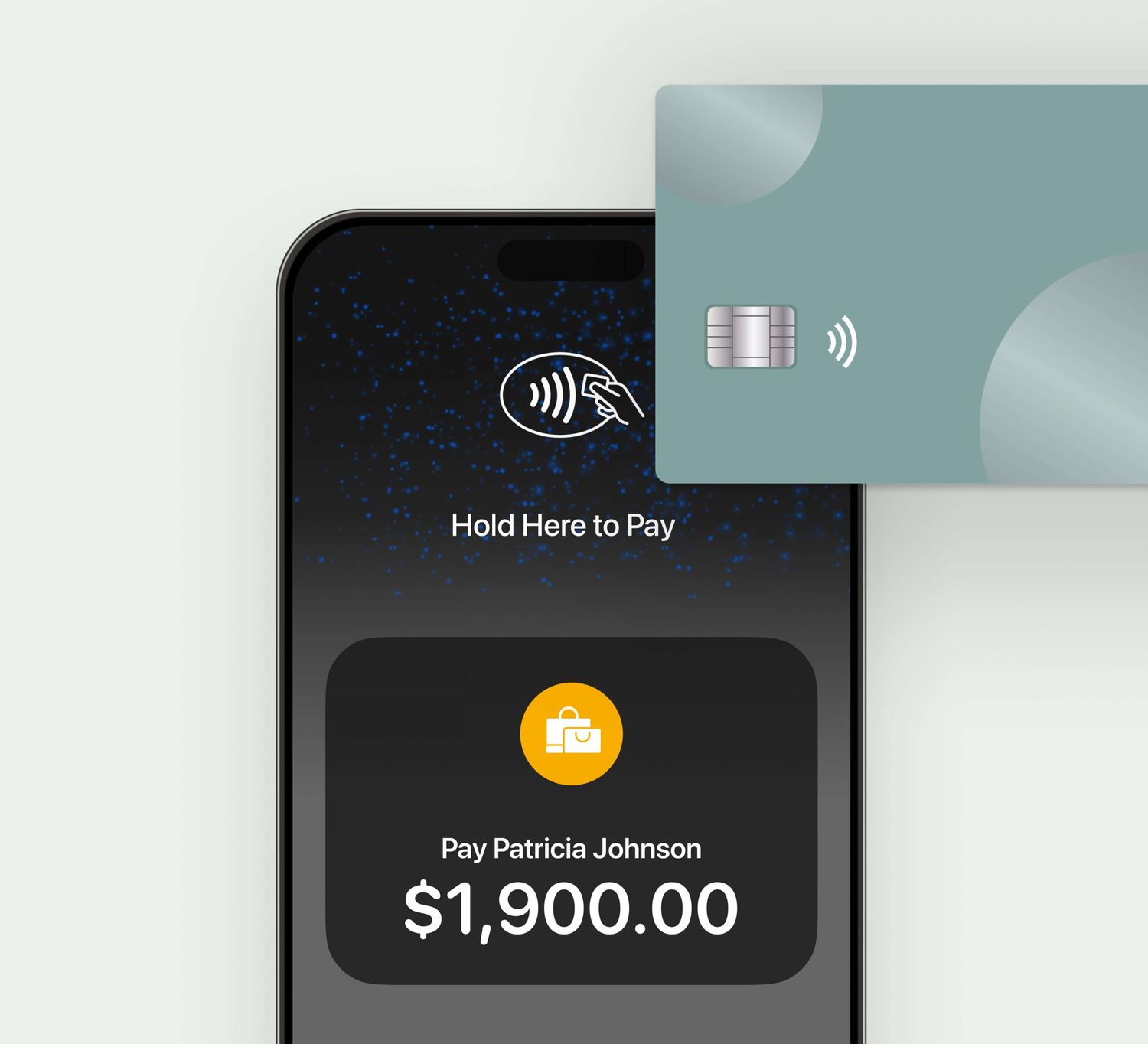
Contactless payments with Tap to Pay
Collect in-person payments right from your phone, using the Tap to Pay feature in the Studio Manager mobile app. Clients simply tap their card, phone, or smartwatch against your phone and pay instantly.
Track payments in one place
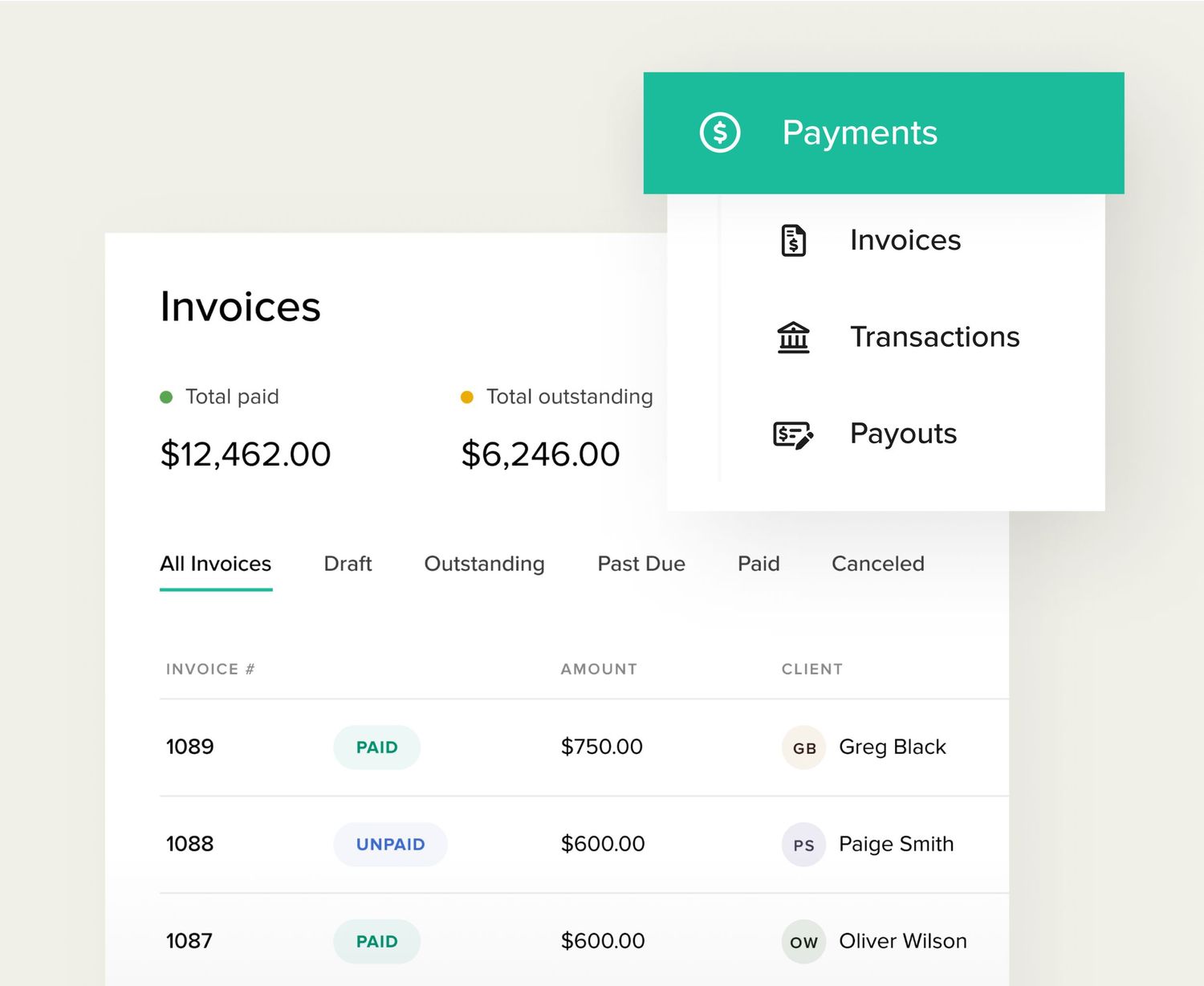
Set up, manage, and track everything related to payments directly in Studio Manager — from invoices to payouts, disputes, or refunds.
Competitive transaction rates
Transparent processing fees for you and your business.
Credit and debit cards
2.90% + $0.30
Buy now pay later
5.99% + $0.30
ACH Bank Transfer
1% min. $150
More features to help you get paid
When invoicing clients through Pixieset Studio Manager, you have all the tools you need to provide a smooth experience and get paid on time.

Payment schedules
Let clients pay in installments for larger packages, or use payment schedules to collect a deposit/retainer up front.

Automatic reminders
Turn on automated reminders so clients get follow-up emails and pay on time.

Tips
Add a tip to any invoice, giving clients the choice to include 5%, 10%, 15%, or a custom amount.

Tax details
Include tax information directly into your invoice to clearly communicate any additional charges.

Discount codes
Apply a discount to the items in your invoice if you want to offer a special deal to a new or returning client.

All currencies
Easily set your preferred currency on each invoice you send.
Frequently Asked Questions
What is Pixieset Payments?
Pixieset Payments is our integrated payment system designed with photographers in mind, powered by Stripe. It simplifies managing all your sales in one place, saving time and helping you earn more effortlessly. With exclusive features tailored to your photography business, it's the easiest way to handle payments so you can focus on creating beautiful work.
What are the benefits of choosing Pixieset Payments?
- Seamless integration: Manage payments within Pixieset — no switching platforms or accounts. Everything is connected to Studio Manager for easy bookings, contracts, invoices, and payments.
- Flexible payment options: Your clients can choose from a variety of methods, including features such as Buy Now Pay Later, giving them flexibility and ease.
- Pixieset support: Enjoy our top-tier support — our team helps you directly, without needing to navigate Stripe’s system.
- Access on-the-go: Manage payments and track payouts through the Studio Manager mobile app.
What payment methods do my clients have access to?
With Pixieset Payments, your clients can pay with credit and debit cards, digital wallets, bank transfers, and Buy Now, Pay Later (BNPL) options available via Klarna and Affirm. This flexibility ensures that your clients can choose the payment method that works best for them.
How are payments processed?
Payments through Pixieset Payments are securely processed via Stripe, a trusted payment processor. When a client makes a payment, the transaction is handled by Stripe’s industry-leading technology, ensuring both security and compliance. You can track all transactions, manage payouts, and access reporting — all from within Pixieset. This streamlined, integrated approach makes it easy to handle everything from invoices to payments without switching between platforms.
How do I set up Pixieset Payments?
Setting up Pixieset Payments is quick and easy—most users complete the process in just 5-10 minutes. Pixieset partners with Stripe to ensure a secure and compliant setup, using their verification process to confirm your identity for safety and compliance. Here is a detailed tutorial.
What happens if I have an existing Stripe account?
If you're switching from Stripe, don't worry! You can continue to accept payments while we handle the transition. Once your Pixieset Payments setup is complete and verified, your old Stripe account will be disconnected. Your payment history and client data will remain accessible on Pixieset, and you’ll be able to manage any previous Stripe payments directly on stripe.com.
When will I receive my funds?
Your first payout typically takes 7 days due to Stripe’s verification process. After that, payouts follow your country’s standard timeline: 2 business days in the U.S. and 3 calendar days in Canada.
Run your entire photography business with Pixieset
Deliver photos and videos, build a website, book clients, get paid, and sell your work.